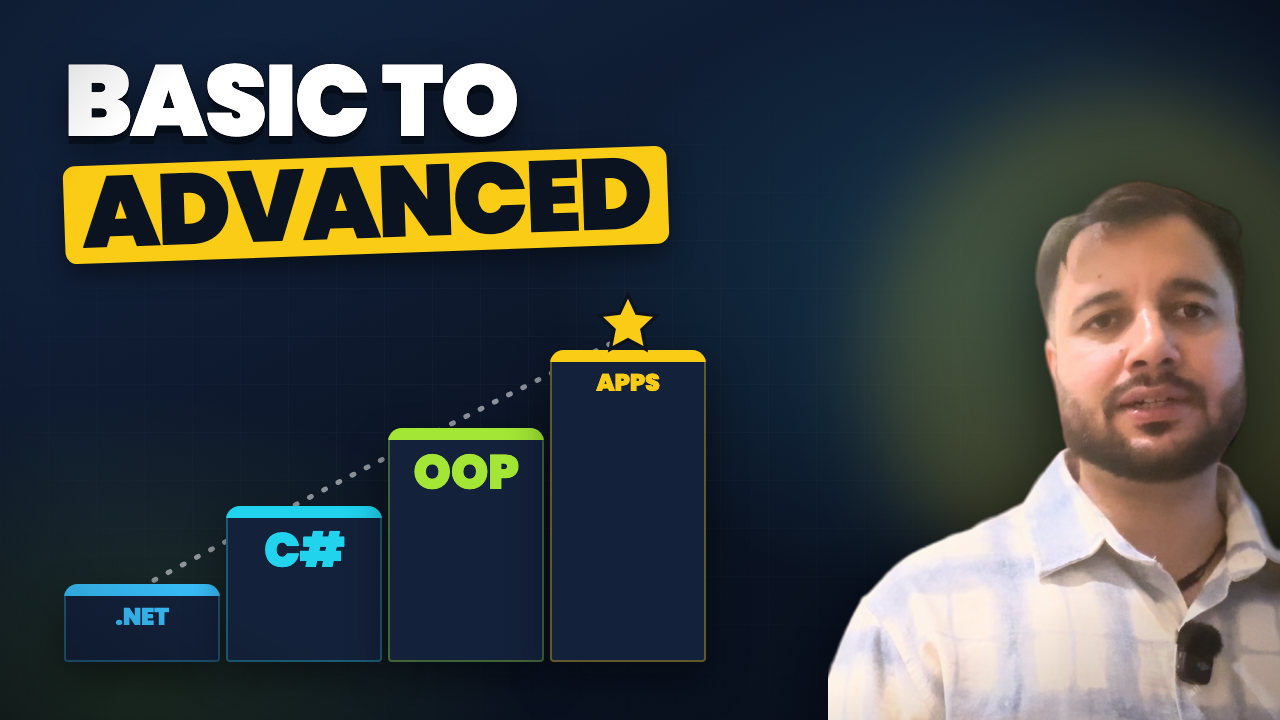
How to learn C# from basics to advanced: what we will learn, in what order, and why knowing flowcharts first makes it easy
This is the first lesson of a new series to learn C# from basics to advanced. In the flowchart series we learned to understand a problem and draw its solution. Now we turn those flowcharts into real code.
Here is the plan for the whole course, in four parts.
Why learn C#?
C# is a modern, general-purpose language from Microsoft and the main language of the .NET platform. With one language you can build console tools, Windows desktop apps, web APIs and websites with ASP.NET Core, games with Unity, and cloud services.
It is also a good first language: it is strongly typed, so the compiler catches many mistakes before the program runs, and its syntax is close to Java and C++, so what you learn carries over to other languages later.
Part 1: Foundations (.NET, CLR, JIT and memory)
Before writing code, we look at the platform it runs on: what .NET is, what comes with it, its life cycle and ecosystem, and why it is worth learning.
C# is the main language of .NET (F# and Visual Basic run on it too). Your C# code is compiled to an intermediate language, and the CLR (Common Language Runtime) runs it, using a JIT (just-in-time) compiler to turn it into machine code.
Part 2: C# programming
Then the language itself: how variables are declared, how decisions are made, loops, collections, file handling and exception handling.
Every flowchart from the flowchart series becomes a C# program here: the decision diamond becomes an if, the loop arrow becomes a for or while.
Part 3: Object-oriented C#
The most important part: classes, interfaces, inheritance, polymorphism and abstraction, the ideas that let you organise real programs.
Part 4: Advanced topics and real projects
Finally, more advanced topics and small console projects in C#, to get comfortable building something end to end.
Before you start: flowcharts
If you already know flowcharts, writing code is mostly learning the syntax, and we will do that step by step. If you are new to programming, start with the flowchart series first: Programming for Beginners: Algorithm & Flowchart.
What you need to start learning C#
- The .NET SDK (free) from Microsoft. It contains the C# compiler and the
dotnetcommand. - An editor: Visual Studio Community (free, Windows) or Visual Studio Code with the C# Dev Kit extension (Windows, macOS and Linux).
- A console project to start with:
dotnet new consolecreates one, anddotnet runruns it.
That is enough for the whole first half of this course: every program in the C# programming part is a small console app.
How to learn C# with this course
Watch each lesson, then type the code yourself instead of copying it, and change one thing at a time to see what happens. Try the practice question at the end of each article before moving on.
Go in order: each lesson uses what the previous one taught, the same way the flowchart series did.
Video chapters
- 0:00 A new series: C# from basics to advanced
- 0:15 .NET fundamentals
- 0:40 C# programming
- 1:32 Object-oriented C#
- 1:47 Advanced and real projects
- 2:11 New to flowcharts? Start there
- 2:34 Wrap-up
Watch the short versions
Short on time? These Shorts from this lesson each make one point in a minute or so.
- Know Flowcharts? Then C# Is Just Syntax (Short, coming soon)
- C# Course Plan: OOP and Real Console Projects (Short, coming soon)
Key takeaways
- The course goes Foundations → C# programming → Object-oriented C# → Advanced and projects.
- C# is the main language of .NET; the CLR and its JIT compiler run your code.
- Flowcharts first, then C#: the logic is the same, only the syntax is new.
Frequently asked questions
Do I need to know programming before this course?
No. If you are new, watch the flowchart series first; it teaches the logic, and this course turns it into C# code.
Is C# the only language of .NET?
No. C# is the main one, but F# and Visual Basic also run on .NET.
What will we build?
Small console projects in C#, after the basics and object-oriented programming.
Do I need Windows to learn C#?
No. .NET runs on Windows, macOS and Linux; Visual Studio Code with the C# Dev Kit works on all three.
Further reading
- Introduction to .NET (Microsoft Learn): what .NET is and the languages it runs
- C# documentation (Microsoft Learn): the official C# guide
- Managed execution process (.NET, Microsoft Learn): IL, the CLR and the JIT compiler
- Install .NET (Microsoft Learn): the free .NET SDK for Windows, macOS and Linux
- Create a console app with Visual Studio Code (Microsoft Learn): dotnet new console and dotnet run
Which part are you most excited about: .NET, the basics, OOP or projects? Tell us in the comments.
Next in the series: what is .NET? Subscribe and follow along.