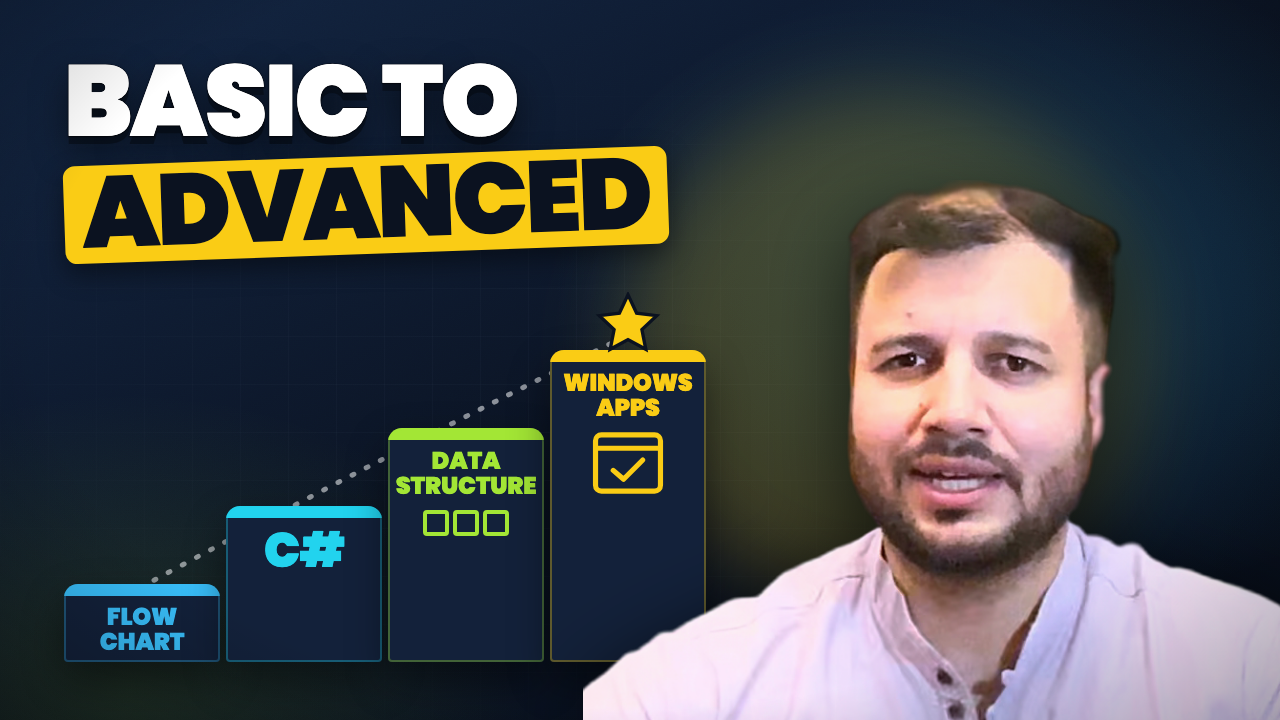
Why my beginner course starts with a notebook and a pen, then C#, then real Windows applications
If you are wondering how to start programming with little or no technical background, you are not alone. Most beginners get stuck at the very first question: where do I even begin? Which language? Which tutorial? Which book?
In this lesson I introduce myself and explain how I have designed this course to answer exactly that question. The short version: don’t start with code. Start with the problem, on paper, with a flowchart. The code comes after.
The video is in Hinglish (Hindi and English), and this article walks through the same ideas in English, so you can read it, bookmark it and come back to it as the course grows.
Who is teaching this course
I started my career at a training institute, where I trained students in industrial, practical skills.
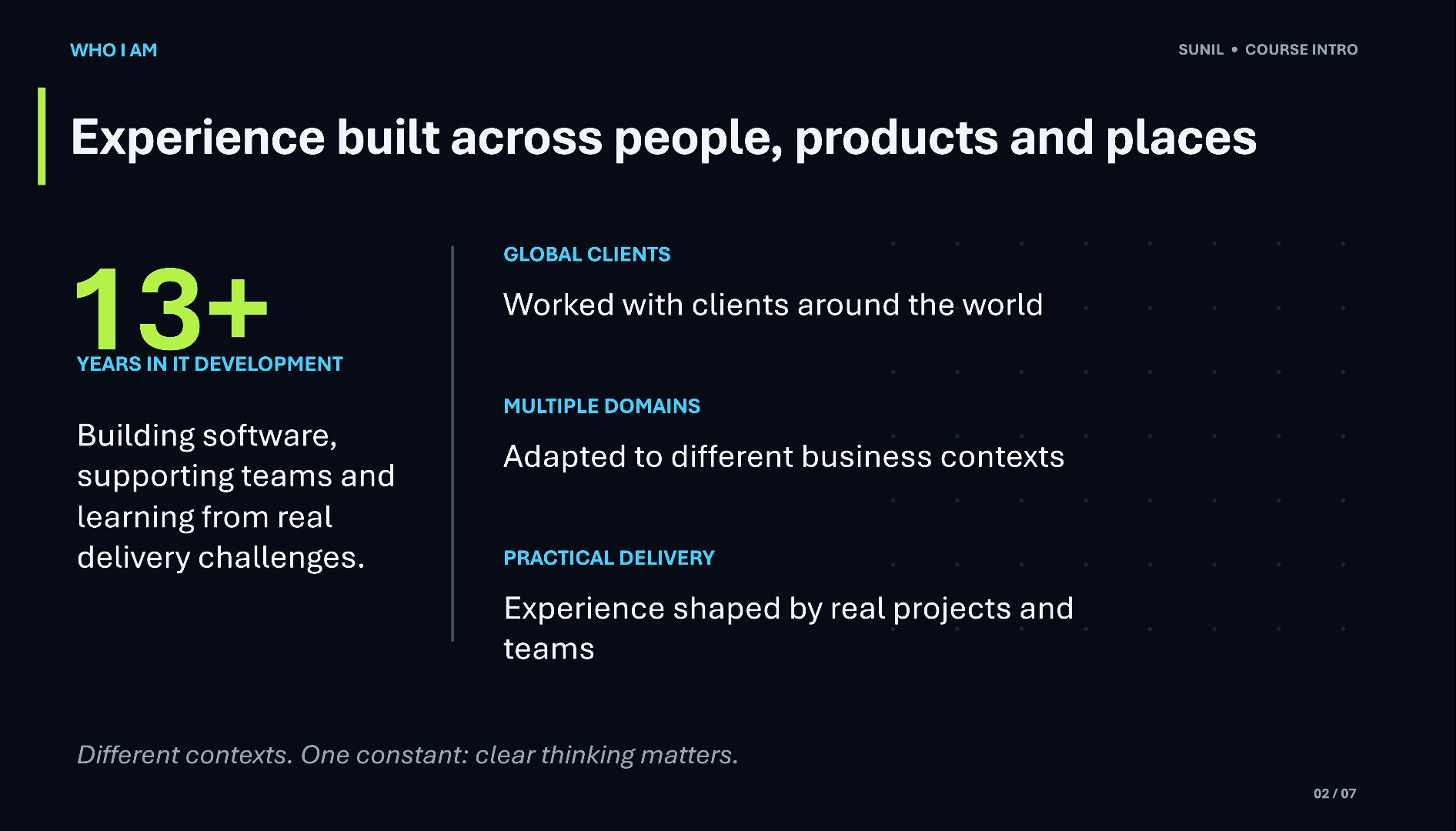
After that I moved into more technical roles, where I learned how software actually works in the real world.
As my career grew, I learned how to handle a team, how to train a team and how to deal with clients. Today I am the CEO of a company, and I am coming back to my hobby: teaching students. That is why this channel and this course exist.
I have designed this course from that experience. It is not a list of syntax rules; it follows the order I believe a beginner should learn in.
Why beginners get stuck before writing a single line
Here is the most common trap. A beginner opens an editor, picks a language and tries to type code straight away. Very quickly, two hard things get mixed together:
- Logic: understanding the problem and the steps that solve it.
- Coding: writing those steps in the exact grammar of a programming language.
Coding is a different thing. Problem solving comes first.
When both are new at the same time, every error feels like a wall. Is the idea wrong, or just a missing semicolon? This is exactly where most students get confused about how to start. So in this course we separate the two, and we learn logic first.
How to start programming: solve the problem on paper first
The very first step in programming, and the first step of this course, is the flowchart.
A flowchart means solving a problem with a notebook and a pen (in India we often just say copy-pen) before touching a computer. You write down the steps, in order, with the decisions in between, until the solution is clear.
Here is a tiny example of the idea: adding two numbers.
START
  ↓
Read first number  → A
  ↓
Read second number → B
  ↓
SUM = A + B
  ↓
Print SUM
  ↓
END
Nothing here belongs to any programming language. It is pure logic, and that is the point. Once a student understands the problem and has solved it once on paper, learning any coding language becomes much easier, because the language only has to express steps they already understand.
This is the step I believe everyone should follow at the beginning, whatever language they eventually use.
The course roadmap: flowcharts, then C#, then Windows apps
The course follows that same order, from thinking to building:
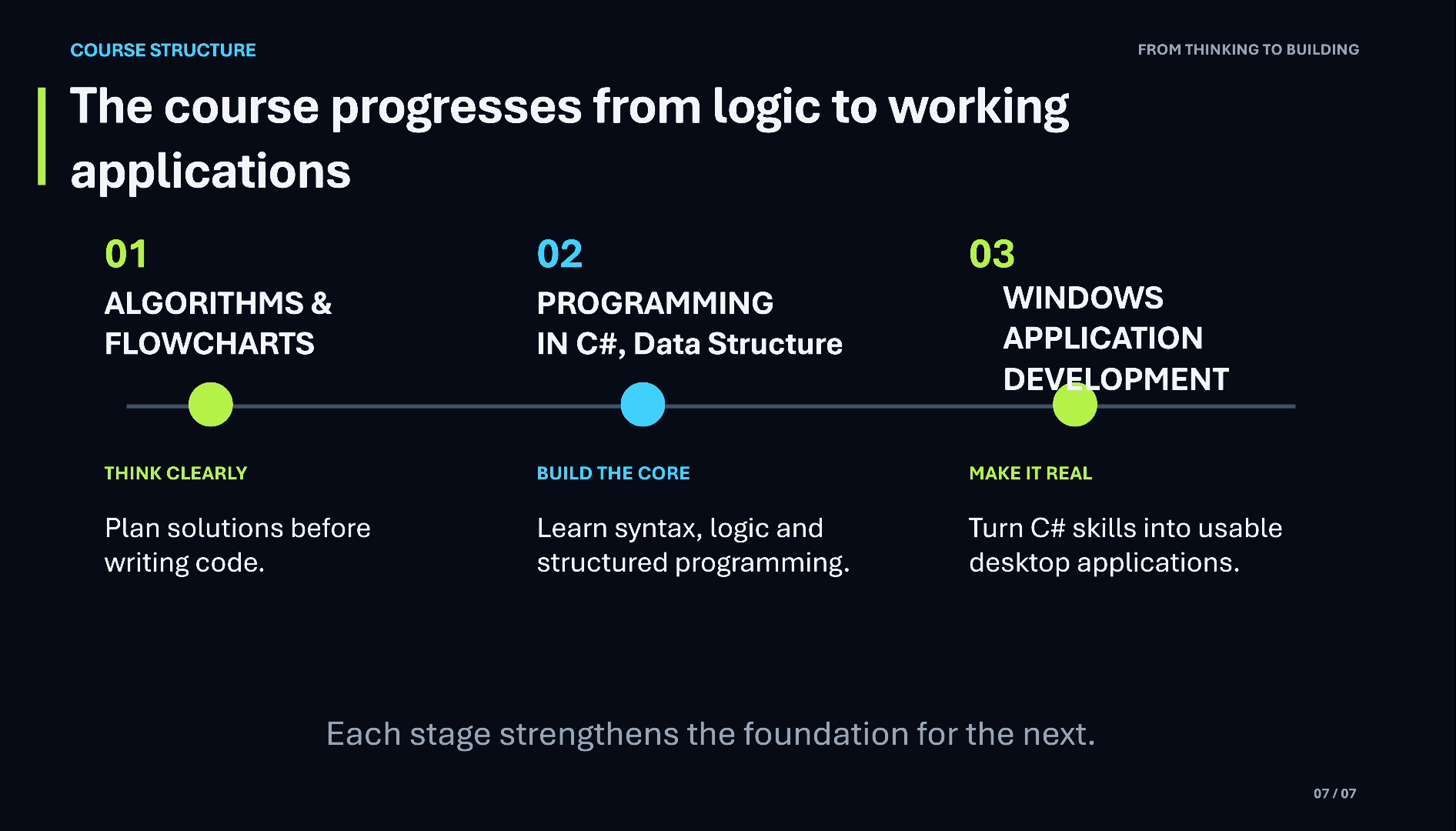
- Algorithms and flowcharts. We start with problem solving: breaking problems into steps and drawing them as flowcharts.
- Programming in C# and data structures. Then we take those flowcharts and convert them into real code, so you can see how the same logic looks in a programming language, and we learn to organise data with basic data structures.
- Windows application development. Finally, we use what you have learned to build applications, so you can see how programming is actually used in the real world.
Each stage builds on the previous one. By the time you write C#, you already know what the program should do; you are only learning how to say it. And by the time you build Windows applications, the code is no longer abstract: it is a tool you use to make something real.
Who this course is for
I am designing this course so that anyone can follow it: someone with very little technical knowledge, or none at all, of any age.
My goal is simple. By going through this course, you should be able to learn programming comfortably, or at the very least understand what programming really is and what happens inside it.
If you have tried before and felt lost at the start, this order (problem first, flowchart second, code third) is made for you.
Video chapters
- 0:00 Introduction: my experience
- 0:53 Course approach: problem solving first
- 1:44 Roadmap: flowcharts, C#, Windows apps
- 2:41 The vision for this course
Watch the short versions
Short on time? These Shorts from this lesson each make one point in under a minute.
- Beginners: Don’t Start with Code. Start Here. (39 s Short, from 0:53 in the full video)
- My Programming Course Roadmap: Flowchart → C# → Apps (39 s Short, from 1:44 in the full video)
Key takeaways
- Don’t start with code. Start by understanding the problem.
- Solve it on paper first: a flowchart is a problem solved with a notebook and pen.
- Logic and coding are different skills; learning logic first makes any language easier.
- The roadmap: algorithms and flowcharts → programming in C# → Windows application development.
- No technical background is needed, at any age.
Frequently asked questions
How do I start programming with no experience?
Start with problem solving, not a language. Take a small problem, understand it fully, and write the solution as steps in a flowchart using a notebook and pen. Once you can solve problems on paper, learning the syntax of a language like C# becomes much easier, because you only translate logic you already understand.
Why learn flowcharts before learning code?
A flowchart separates logic from syntax. Beginners who jump straight into code have to learn both at once, and it becomes hard to tell whether a mistake is in the idea or in the typing. Drawing the solution first makes the thinking clear, so coding is just writing down steps you have already solved.
Which programming language does this course use?
After flowcharts, the course moves to C#. You will convert the flowcharts you have drawn into C# code, so you see the same logic expressed in a real programming language. Later the course uses that knowledge to build Windows applications, so you can see how programming is used in real projects.
Do I need any technical background to follow this course?
No. The course is designed for people with very little or no technical knowledge, of any age. It starts from problem solving and flowcharts, which need only a notebook and a pen, and moves to code only after the logic is clear, step by step.
What language are the videos in?
The videos are in Hinglish, a natural mix of Hindi and English, so technical terms stay in English while the explanations stay easy to follow. These articles summarise each lesson in English, so you can read along, revise later, or share them with friends.
Further reading
- Flowchart (Wikipedia): the standard flowchart symbols and how they are read
- C# documentation (Microsoft Learn): Microsoft’s official C# guide, for when the course reaches code
This was the introduction. In the next lessons we begin with the first step of the roadmap: problem solving and flowcharts.
If you want to learn programming from zero, watch the video, subscribe to the channel and follow the series. Questions? Leave them in the comments.